Description
vTiger® Office365 Integration
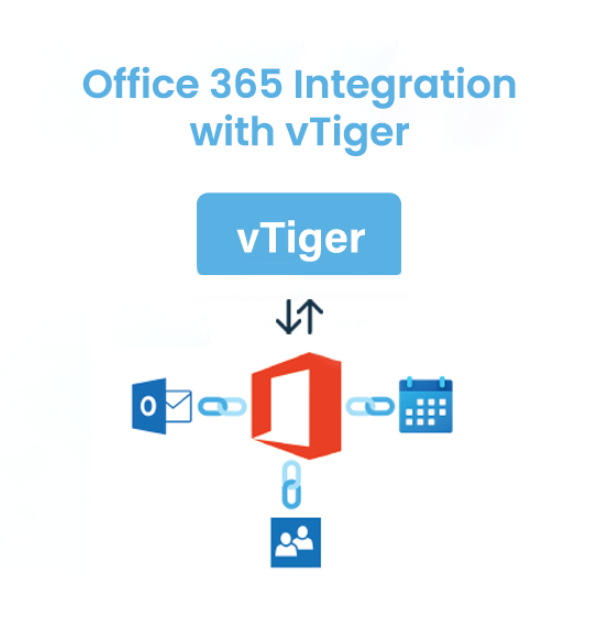
Office365 connectors allow synchronization of Email, Contact and Calendar between vTiger and Office 365 to synchronize data between both the systems.
Version compatibility: 6.5, 7.0, 7.1, 7.2, 7.3, 7.4, 7.5, 8.0, 8.1, 8.2, 8.3
Description :
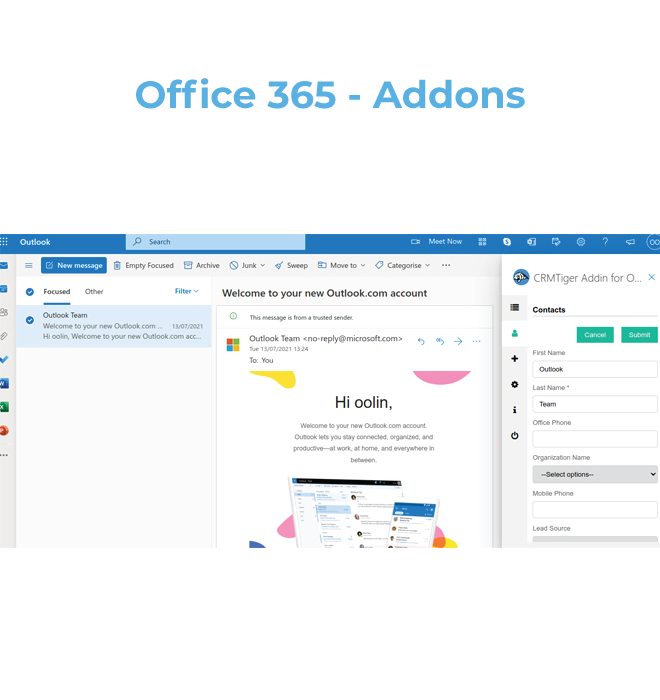
With Outlook add ons you can sync Email, Contact and Calendar for selected modules in the vTiger. This integration comes with 2 installation methods
- Install Extension for vTiger from the “Add to cart” option.
- Install Extension for your Office 365 Extension
- Click here to get Office 365 add-ins from the Microsoft store
Key feature of Integration
- Easy Installation and Setup
- Email Integration from Office 365 Outlook
- Attach Emails to CRM modules like Lead/Contact/Organization/Vendor
- Auto-populate CRM data against respected customer’s email on side pane of Email client
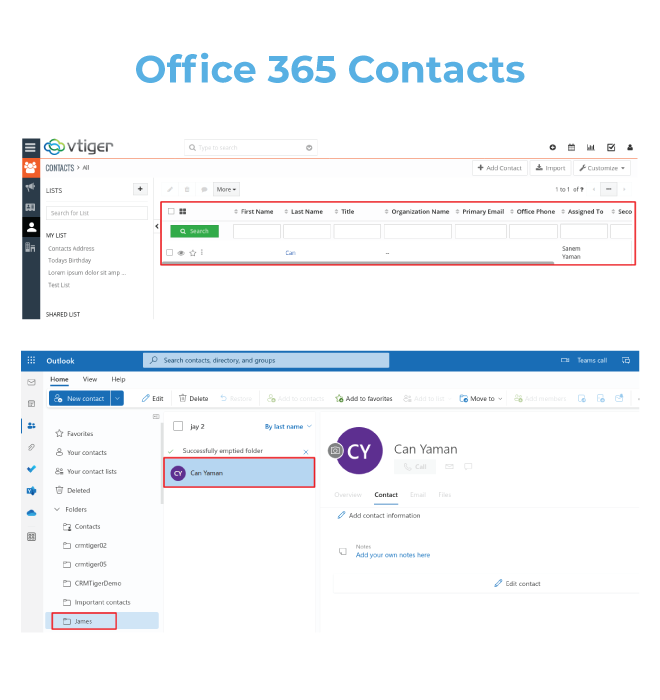
- Contacts Integration from vTiger to Office 365 Outlook
- Calendar Integration from vTiger to Office365
- Quick create a record from Email client to CRM
- Overview of a 360-degree view of record without login to CRM
Help
Need more help on how to install/use Office365 Integration ?
Find out more information here,
Click Here to view how to install addon
Click Here to get more help on how to use addon
Release Notes
Version 1.0(Update Date : Dec 27, 2024)
Features :
– Sync Email of Outlook to vTiger CRM
– Sync Contacts of Office 365 from vTiger to Office 365 and Vice Versa
– Sync Calendar of Office 365 from vTiger to Office 365 and Vice Versa
– Oauth 2.0 Authentication for Office 365 ( Outlook ).
– Sync Records Batch Wise from vTiger to Office 365 and Vice Versa.
– Build Intuitive Design of Extension.
Demo
Click on button for DEMO
Version 7.x Demo
Prerequisites
🔧 System Requirements:
* The CRM URL must be hosted on a public IP and be accessible globally via a web browser.
* The CRM must be secured with a valid SSL certificate.
* The CRM must run on HTTPS — HTTP is not supported.
* There should be no inbound or outbound firewall restrictions; the server must allow external connections for authentication.
* The CRM must be accessed using a domain name (IP address–based URLs are not supported).





Reviews
There are no reviews yet.