Description
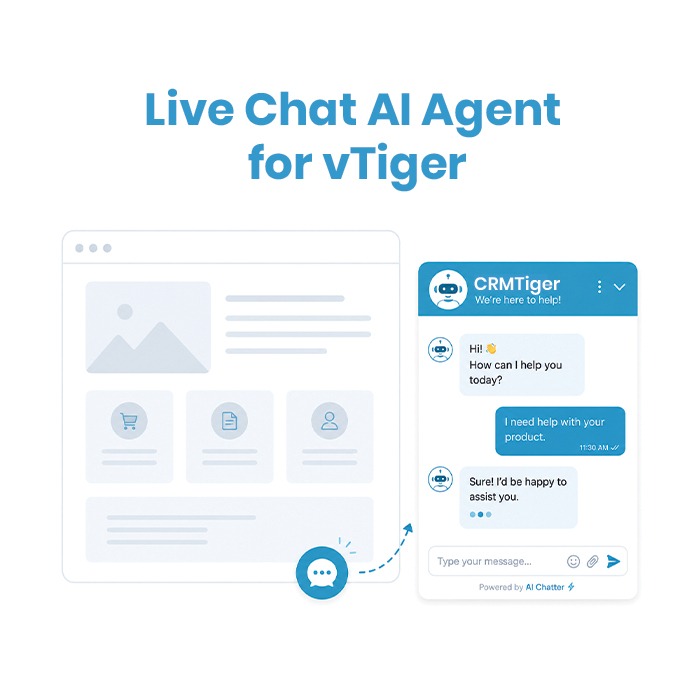
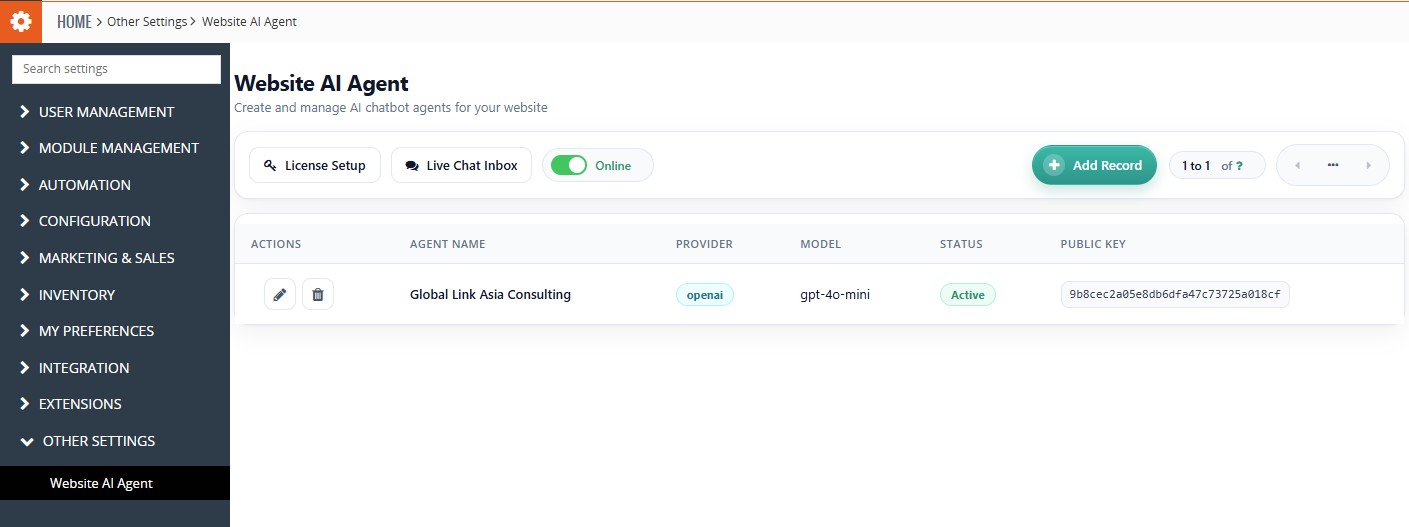
Live Chat AI Agent for vTiger
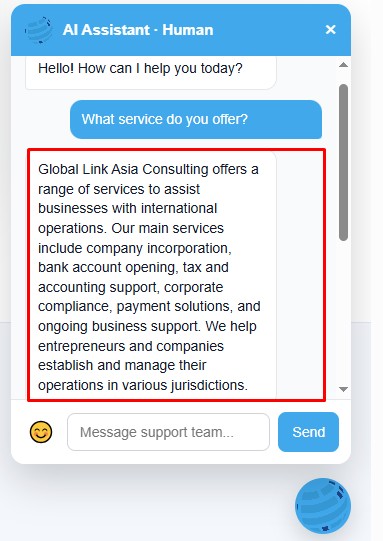
Live Chat AI Agent is a powerful website chat integration for vTiger Open Source CRM that allows you to connect website visitors directly with your CRM. Capture visitor conversations, manage chats from within vTiger, and let your team respond to customer queries from a centralized chat inbox.
The solution also includes AI-powered assistance, helping you provide quick and relevant responses to visitor questions based on your business requirements.
Key Features
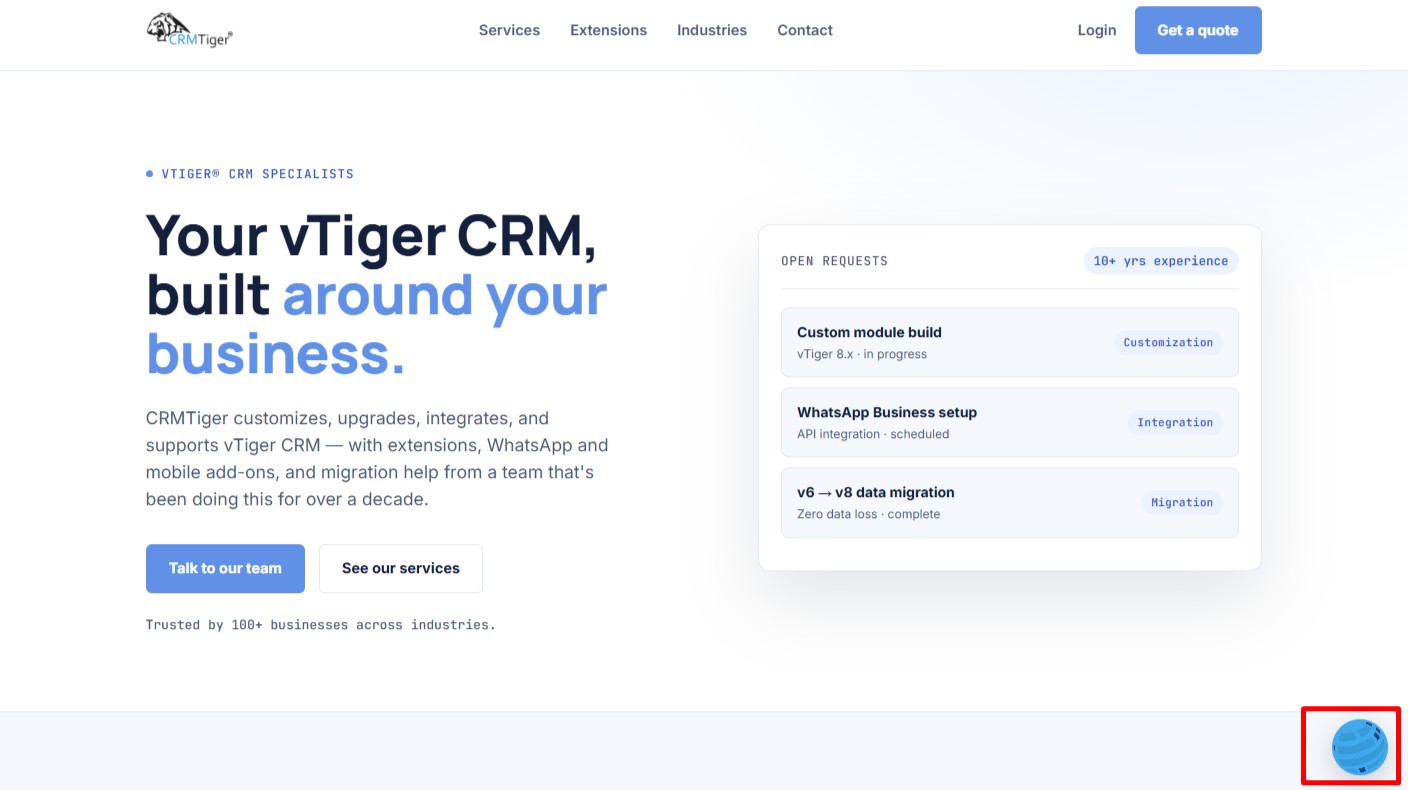
- Website Chat Widget – Add a professional chat widget to your website and allow visitors to start conversations instantly.
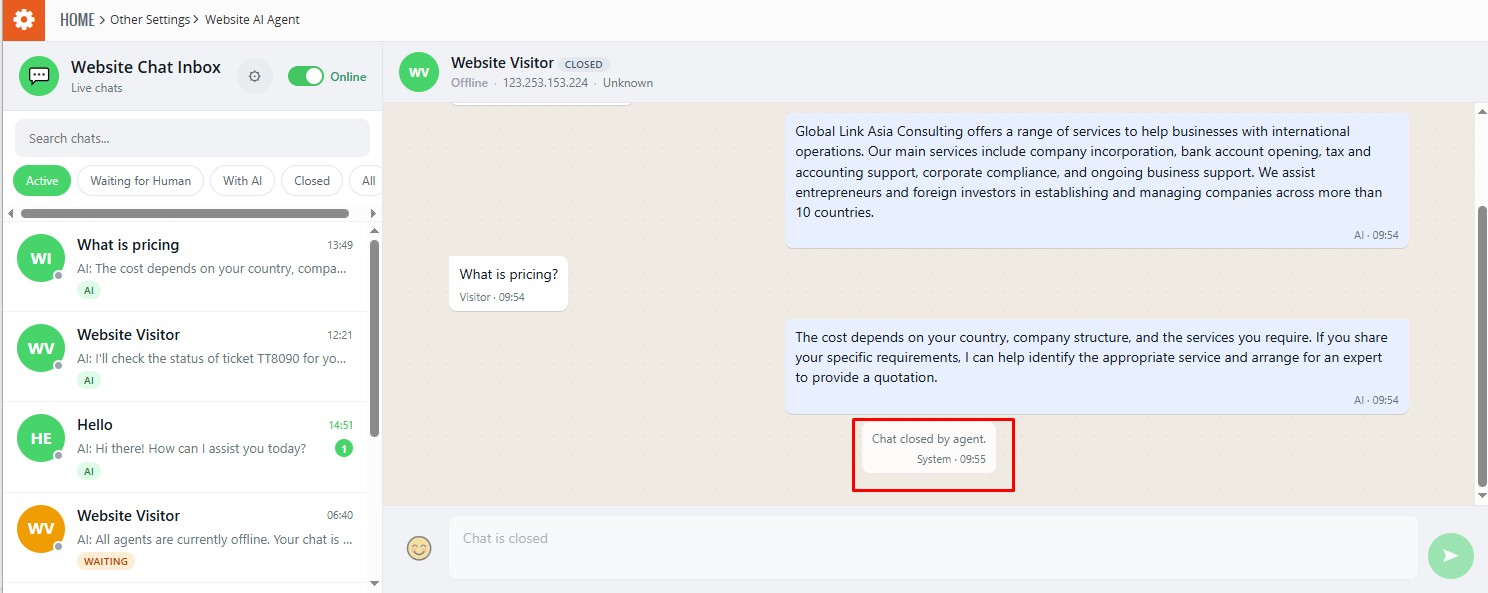
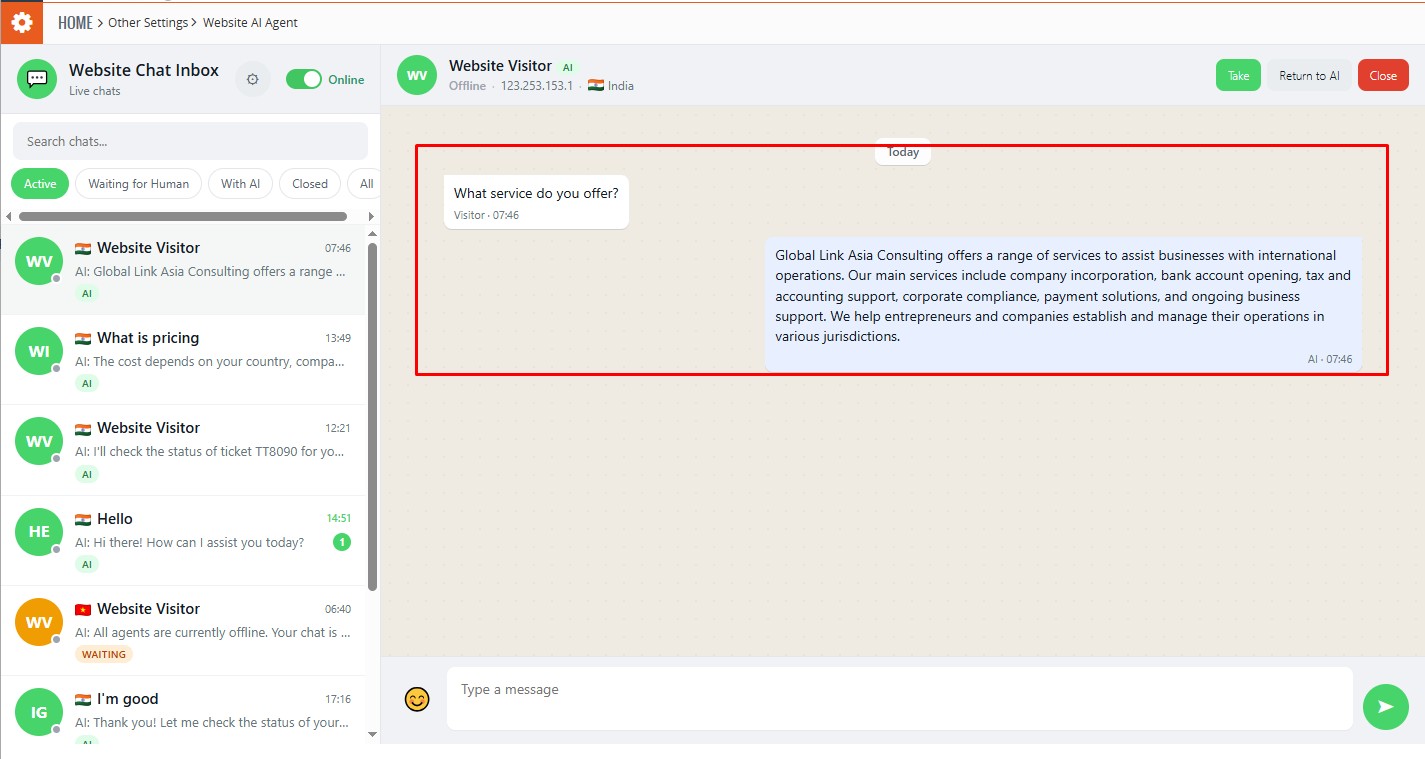
- Centralized Chat Inbox – Manage all website conversations from a single interface within vTiger CRM.
- AI-Powered Responses – Use AI assistance to generate relevant answers to visitor questions and provide faster customer support.
- Real-Time Visitor Conversations – Communicate with website visitors in real time through the CRM.
- Conversation History – Keep track of previous visitor messages and chat interactions for better customer follow-up.
- Agent Availability – Manage online/offline agent availability and route conversations to available team members.
- Visitor Management – View and manage active website visitors and their conversations from the chat interface.
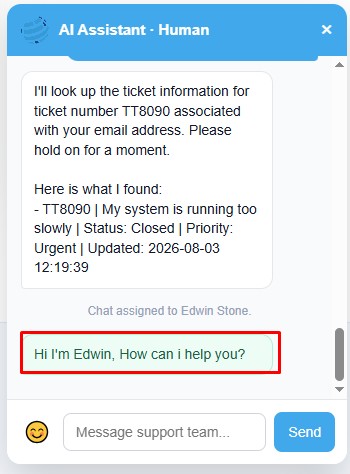
- Human Agent Support – Agents can take over conversations when human assistance is required.
- CRM-Based Access – Chat functionality and information are managed according to the user’s vTiger CRM access rights and permissions.
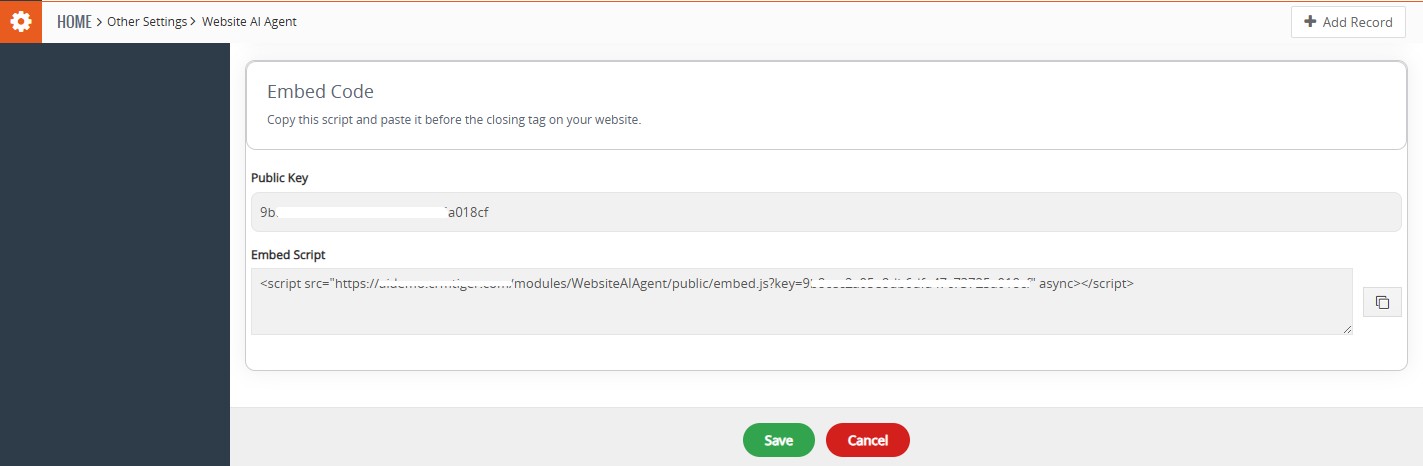
- Easy Website Integration – Add the chat widget to your website and start receiving visitor conversations through vTiger CRM.
Release Notes
Version: 1.0
Update Date: 2nd September 2026
New Features
AI-Powered Website Chat
Engage website visitors in real time with an intelligent Live Chat AI Agent that can answer questions and provide helpful responses.
Knowledge Base Integration
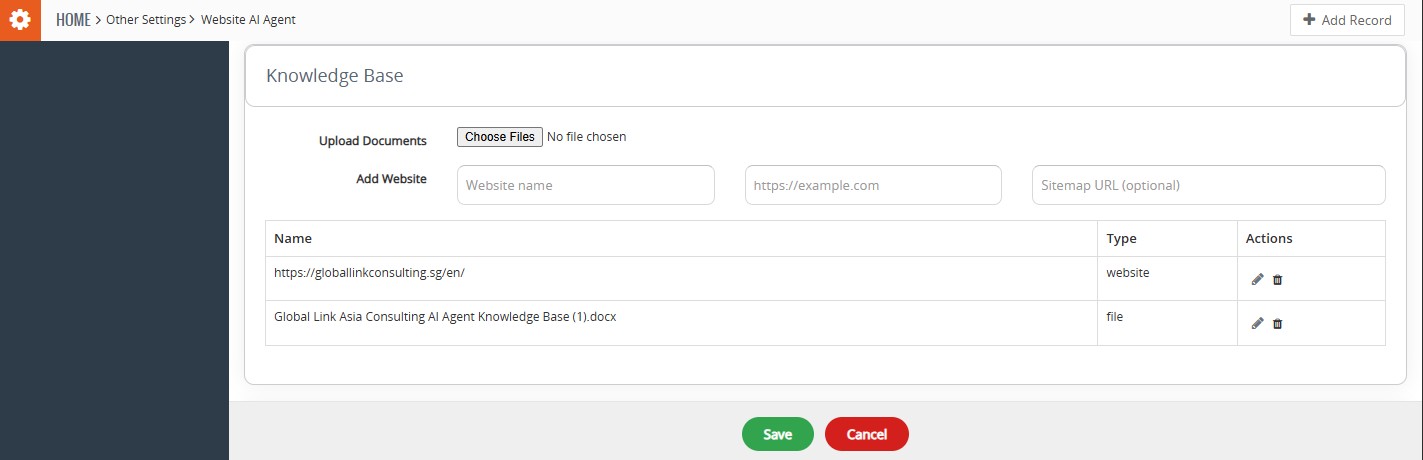
Configure the Live Chat AI Agent with website content and uploaded documents to provide relevant information to visitors.
CRM Action Integration
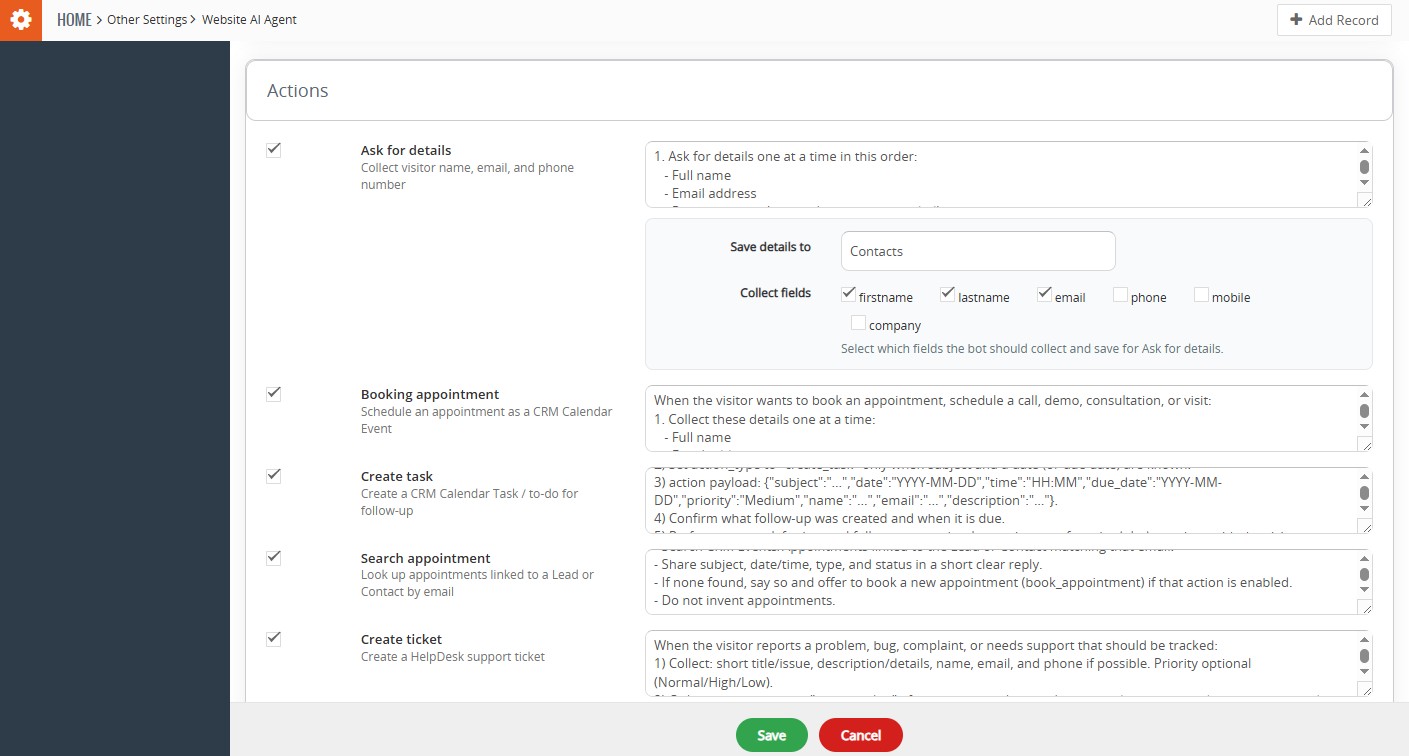
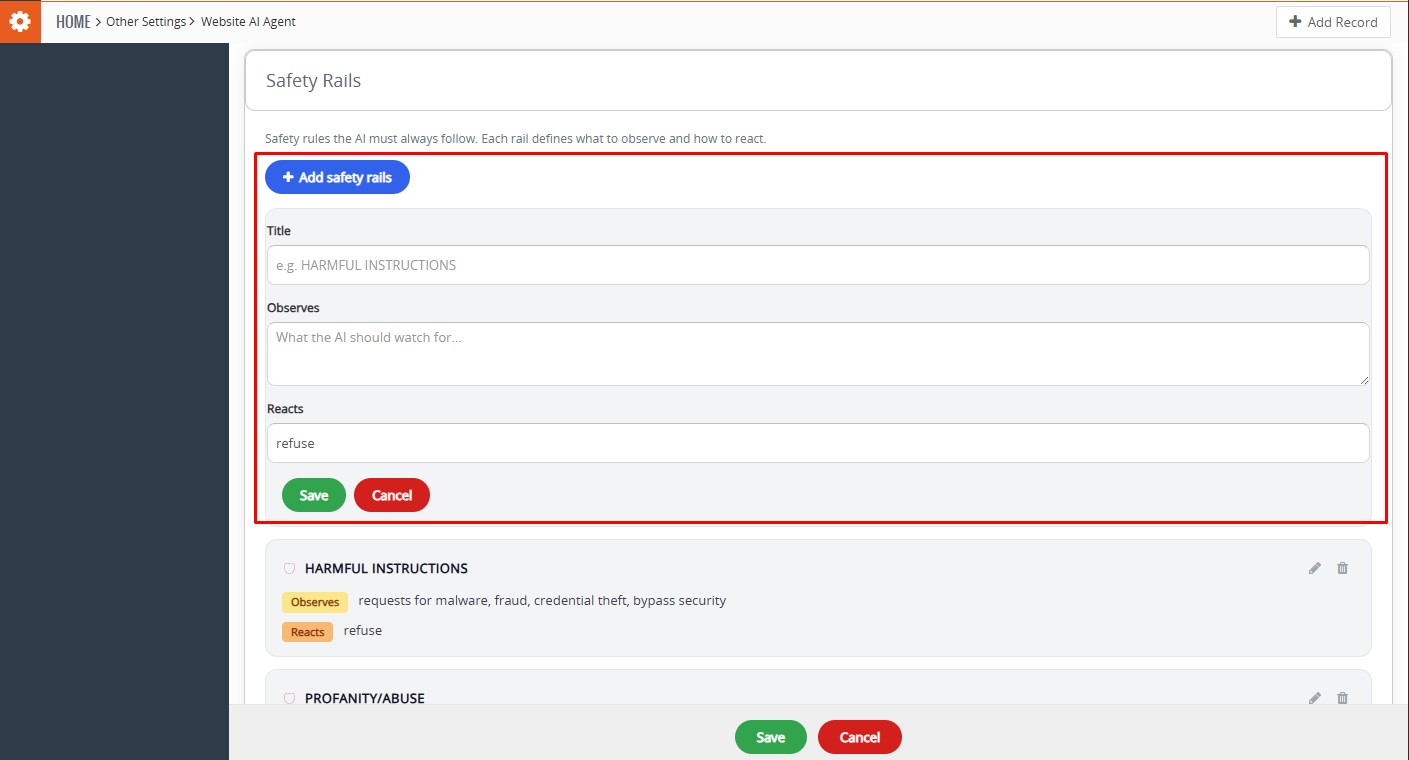
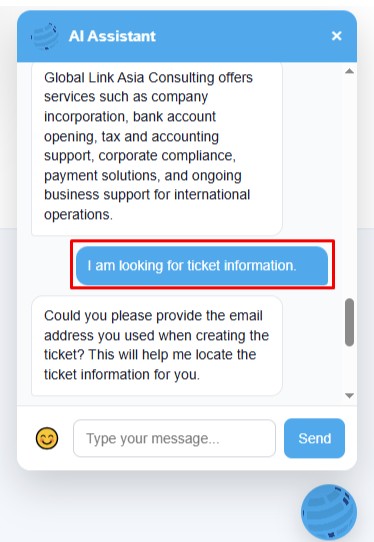
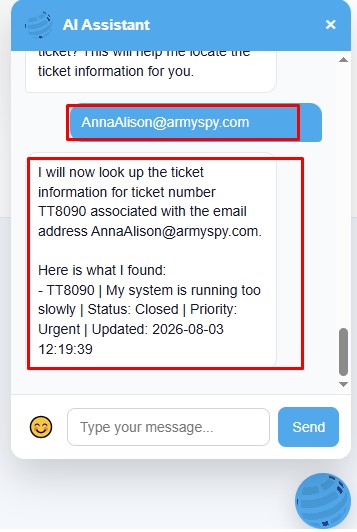
Allow the Live Chat AI Agent to perform configured CRM actions, including collecting visitor details, creating and searching tickets, booking appointments, and creating tasks.
Human Agent Handoff
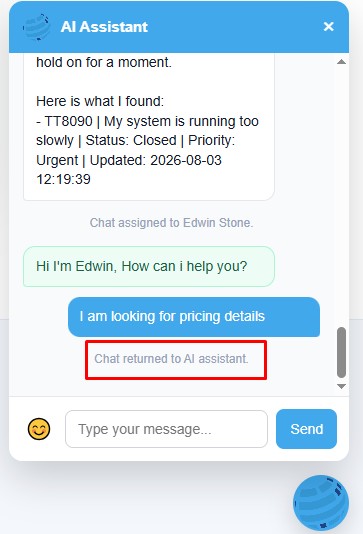
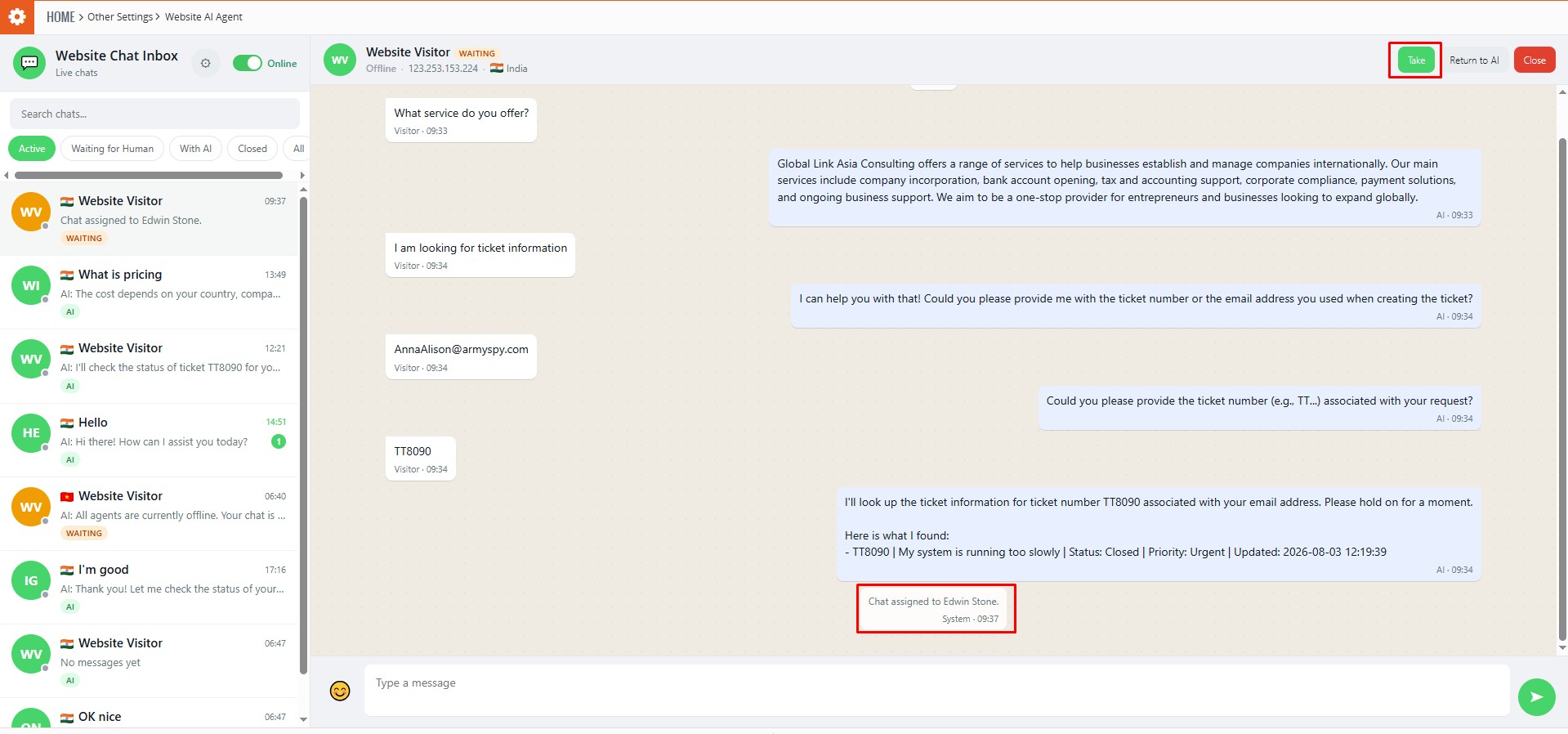
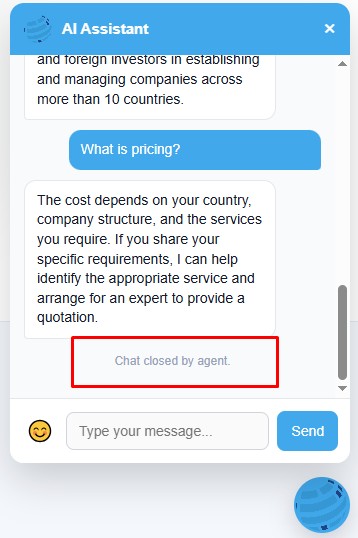
Seamlessly transfer conversations from the Live Chat AI Agent to a human agent when personal assistance is required, with options to return the conversation to AI or close it.
Website Chat Inbox
Manage visitor conversations from a centralized inbox with search, filters, AI/human conversation status, and conversation management controls.
Customizable Website Widget
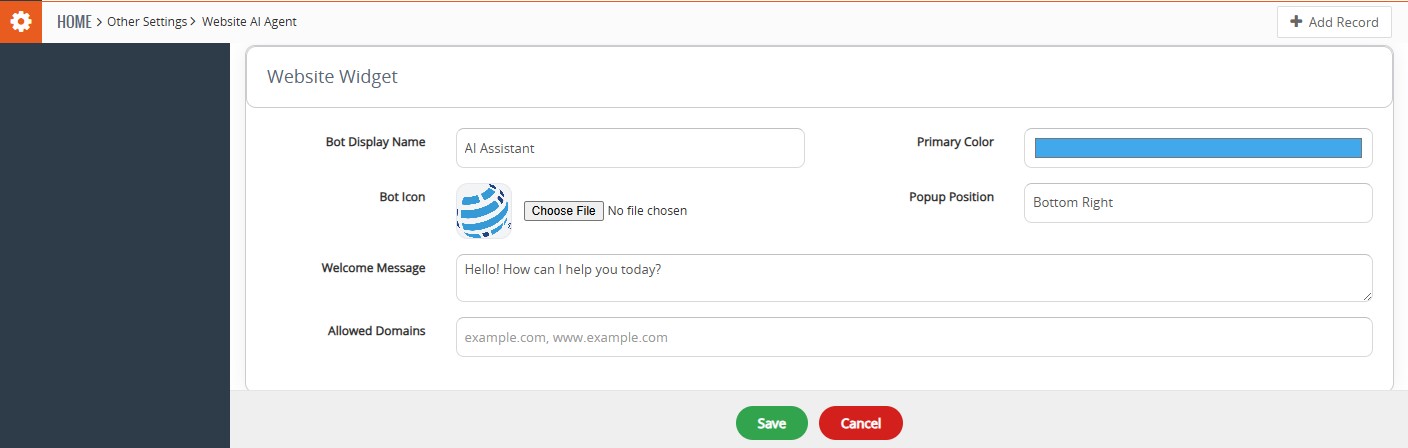
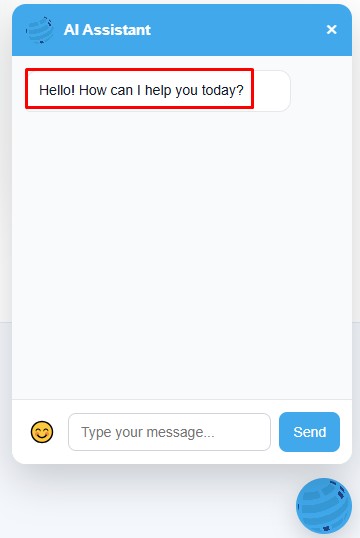
Customize the website chat experience with a bot name, icon, primary color, welcome message, popup position, and allowed domains.
Help
Live Chat AI Agent – User Guide
Get started with Live Chat AI Agent and learn how to install, configure, and use it effectively with vTiger CRM.
Need more help?
Live Chat: Start Live Chat
WhatsApp: Chat with us on WhatsApp
Email: support@crmtiger.com
Demo
Click on button for DEMO
Version 7.x Demo
FAQ
1. What is Live Chat AI Agent?
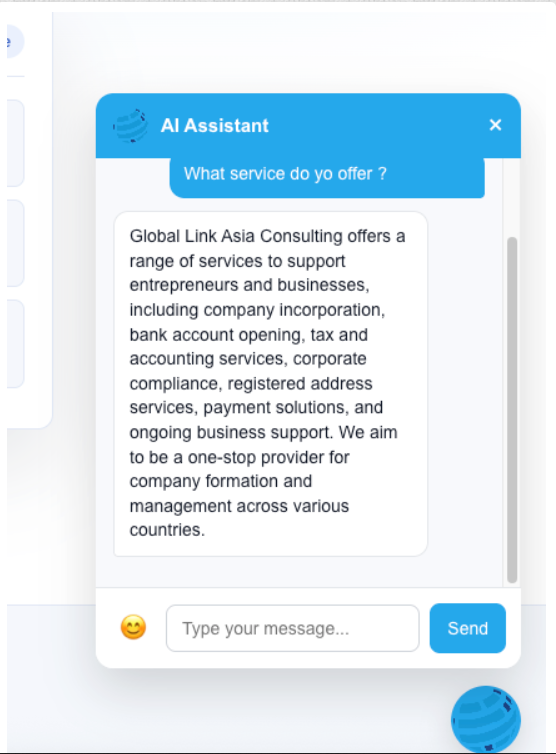
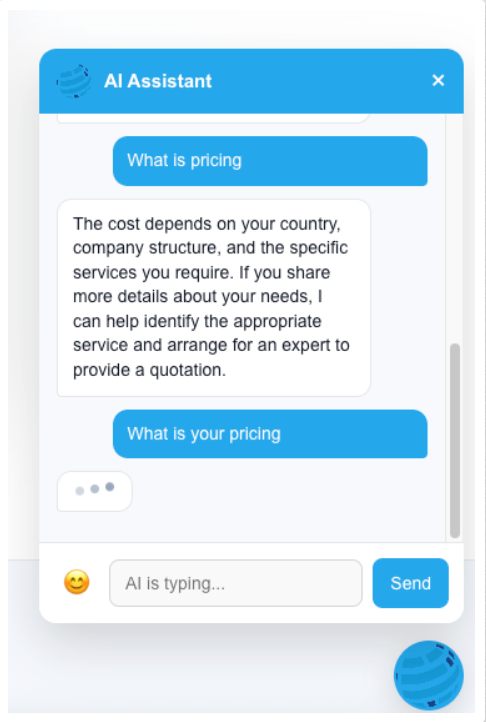
Live Chat AI Agent is an AI-powered chatbot that allows website visitors to interact with your business in real time. It can answer visitor questions using the configured Knowledge Base and perform supported CRM actions.
2. Do I need to purchase an API key separately to use Live Chat AI Agent?
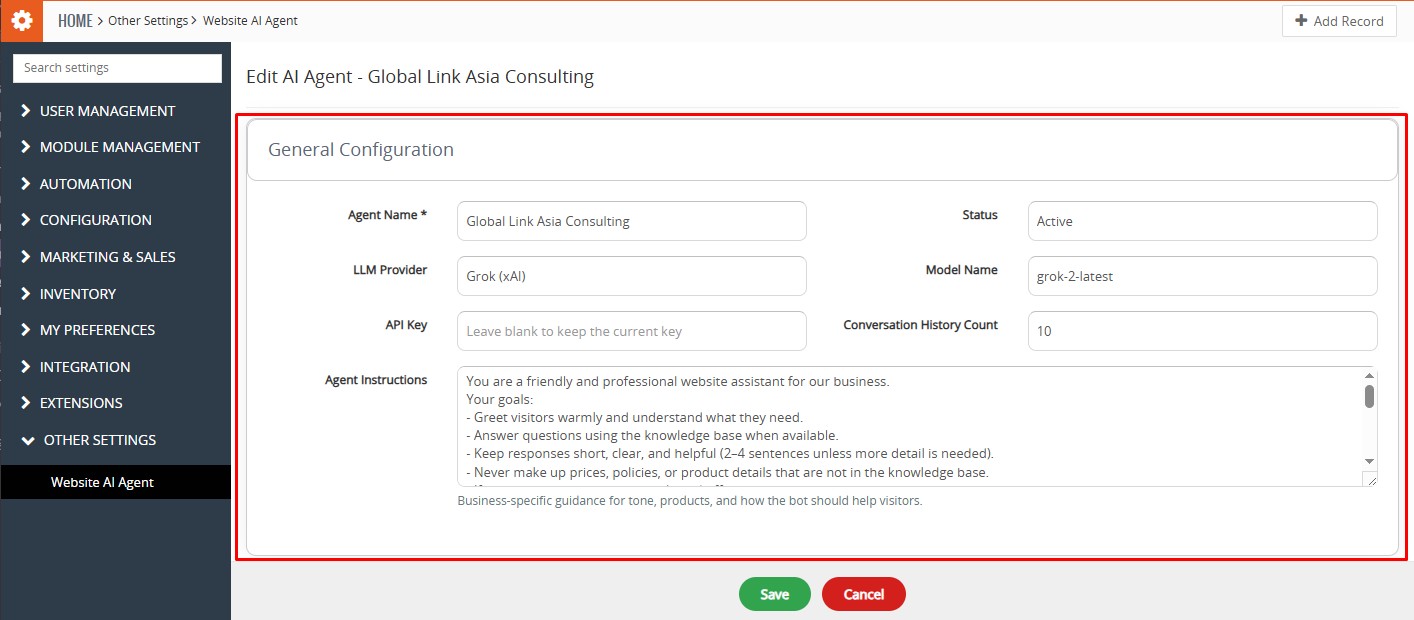
Yes. Live Chat AI Agent requires an API key from a supported third-party AI provider, such as OpenAI, Grok (xAI), or Google Gemini. The API key is not included with the addon, and any usage charges are billed directly by the respective AI service provider.
3. What information can Live Chat AI Agent use to answer visitor questions?
The AI Agent uses the configured Knowledge Base, which can include uploaded documents and website content. This information helps the AI provide relevant responses to visitor queries.
4. Can Live Chat AI Agent perform CRM actions?
Yes. Live Chat AI Agent can perform configured CRM actions such as collecting visitor details, creating tickets, searching tickets, booking appointments, creating tasks, and searching CRM information.
5. Can a human agent take over a conversation from the AI?
Yes. A human agent can click Take in the Website Chat Inbox to take over an AI-managed conversation. The conversation switches to human-agent mode, allowing the agent to communicate directly with the visitor. The conversation can later be returned to the AI using Return to AI.




Reviews
There are no reviews yet.