


Description
PDF Template for vTiger
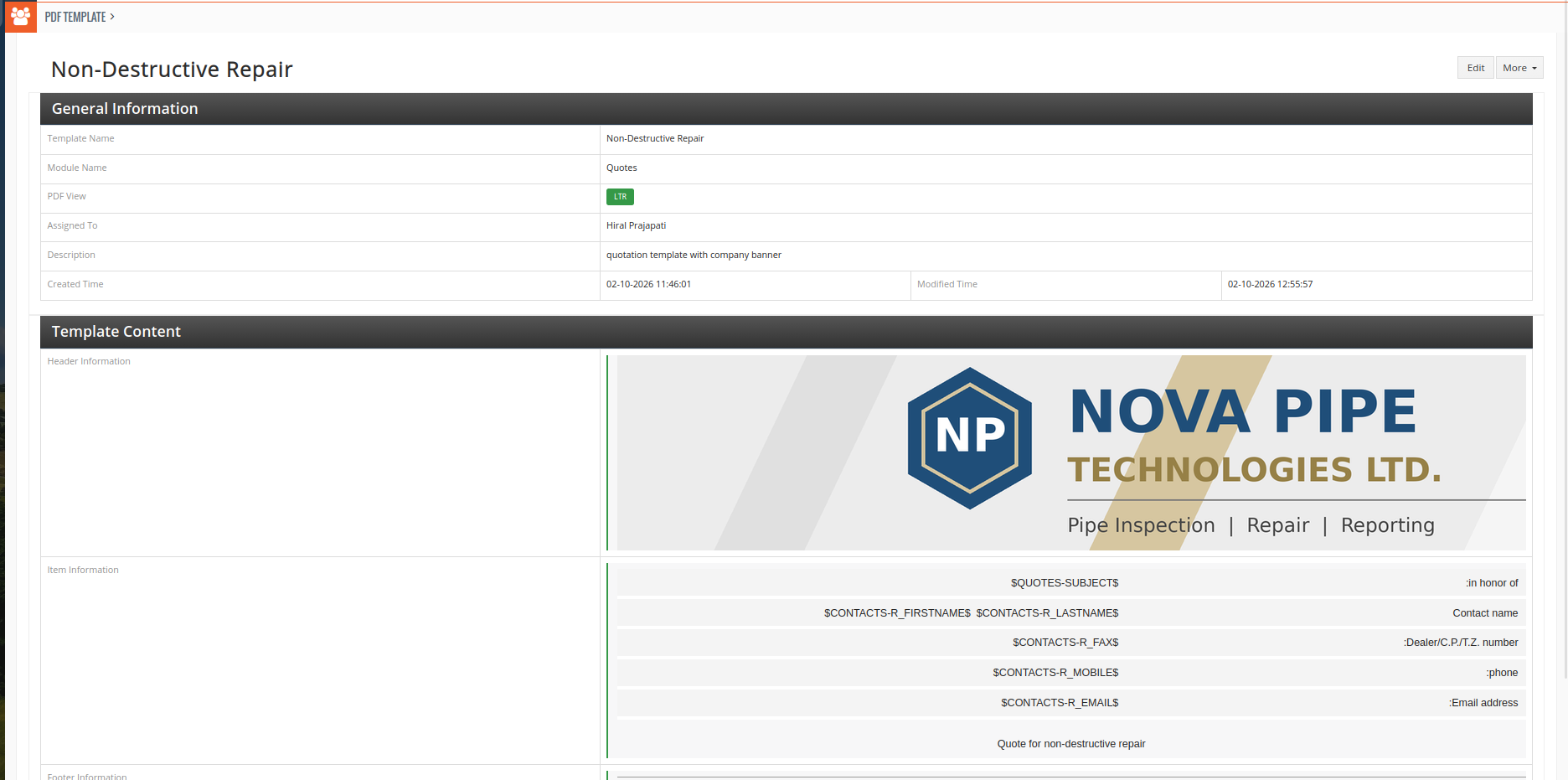
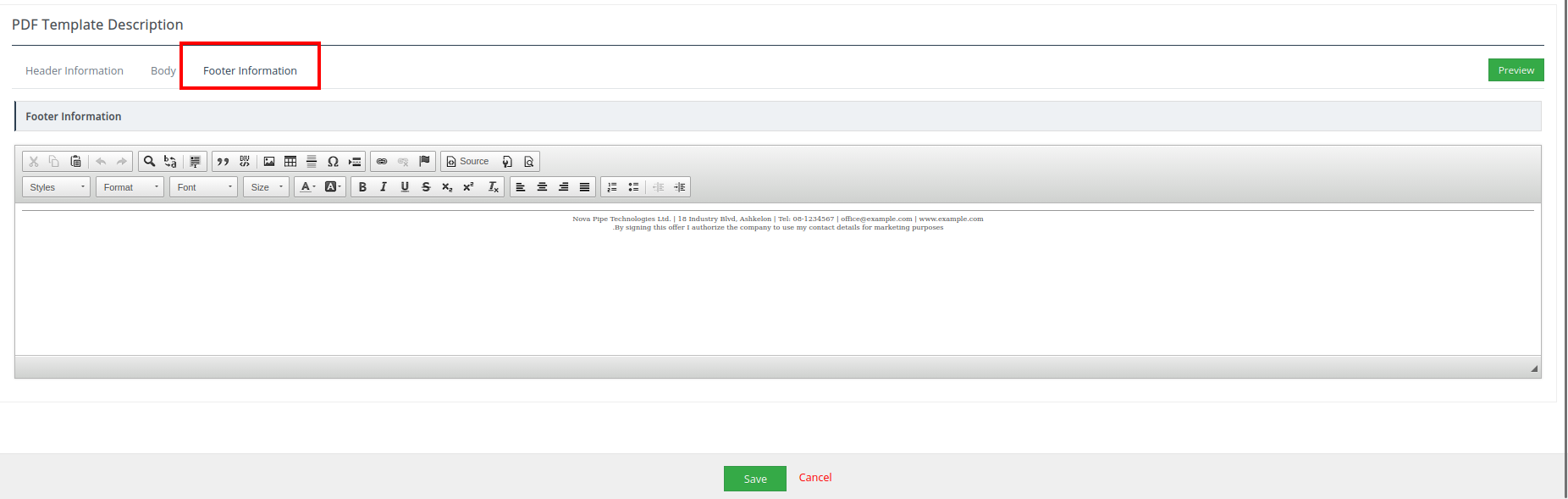
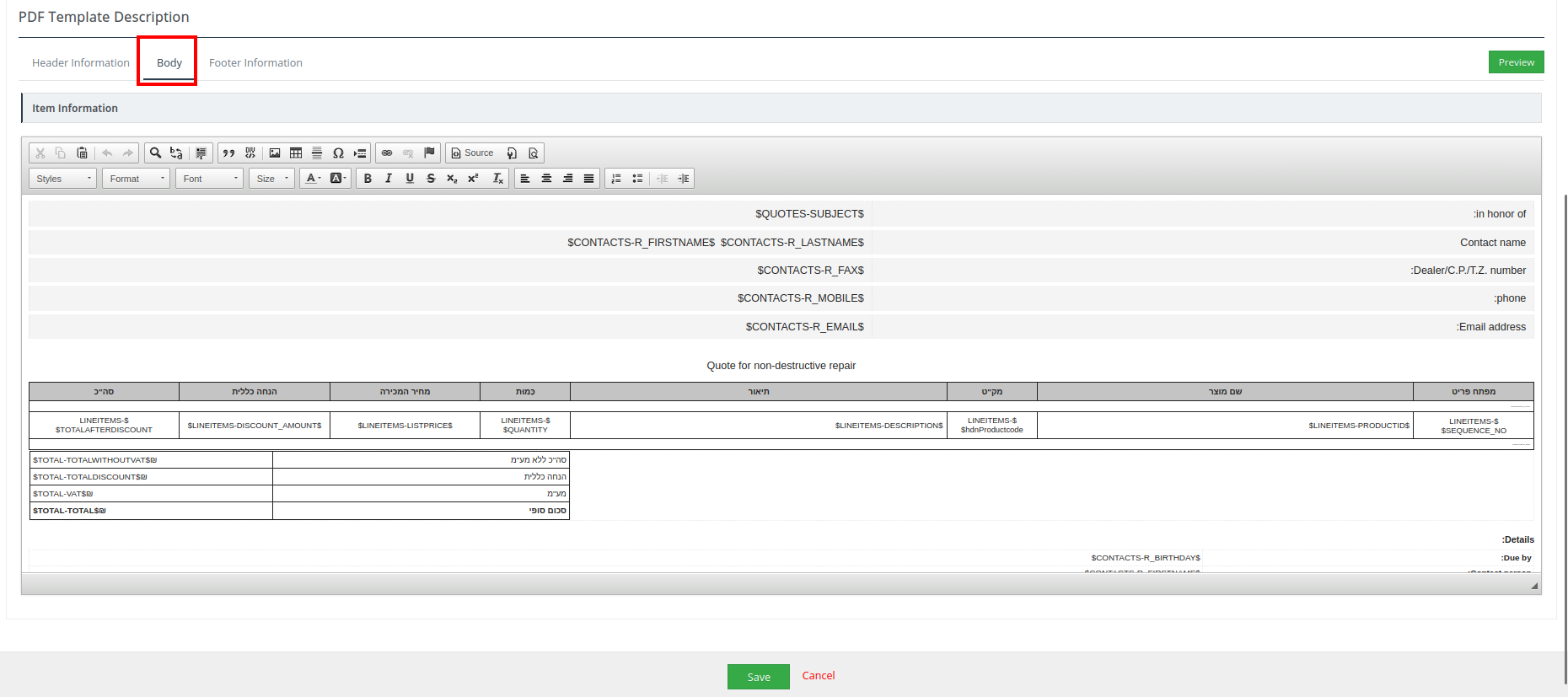
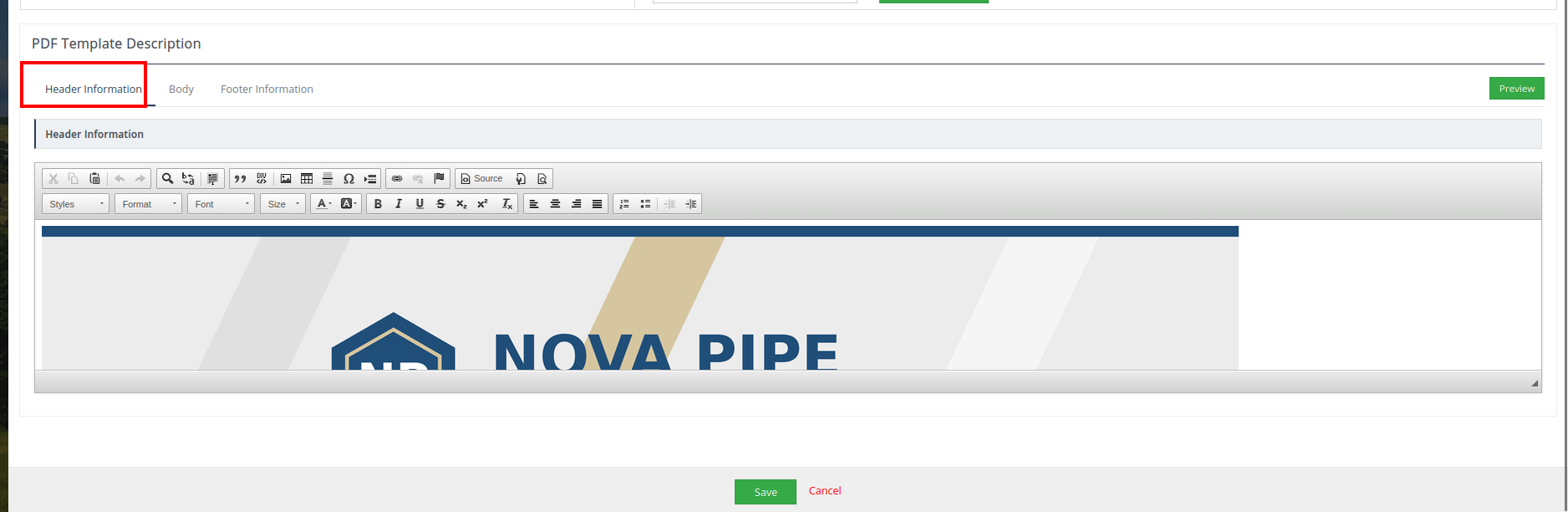
The PDF Template Extension allows administrators to create professional, reusable PDF layouts for CRM records. Using the built-in editor, you can design templates with separate Header, Body, and Footer sections and insert CRM fields, related-module fields, product tables, and general system values as dynamic variables.
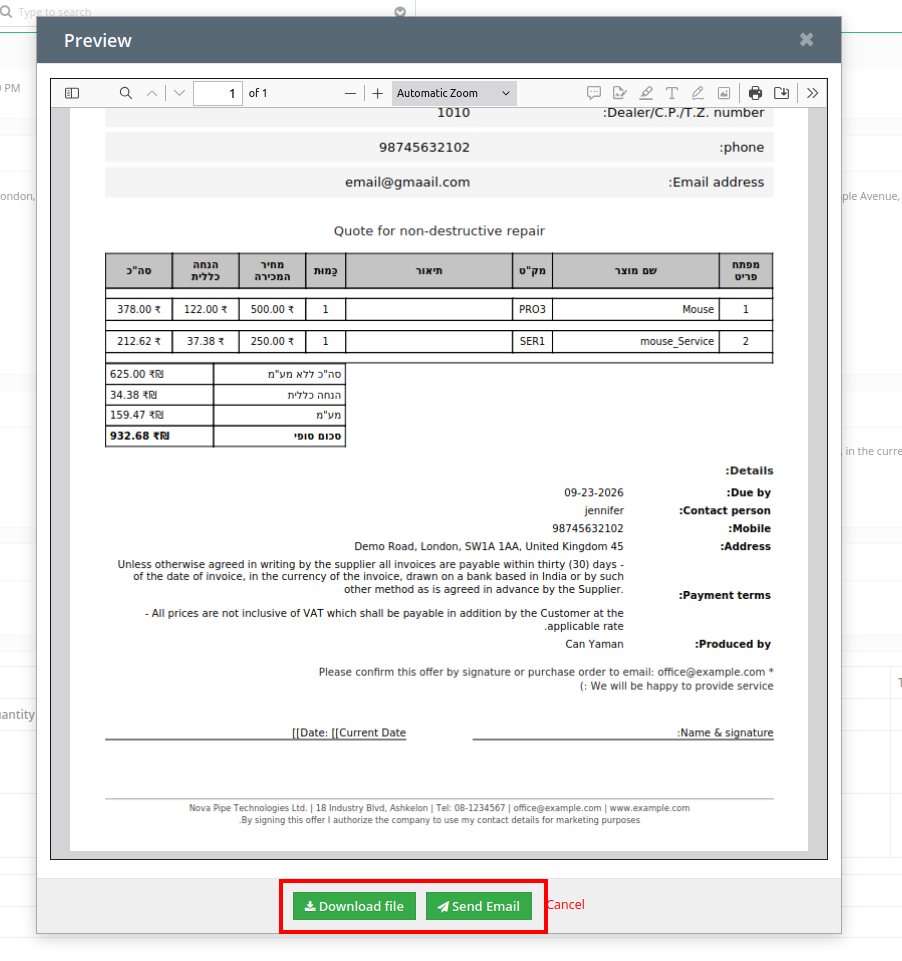
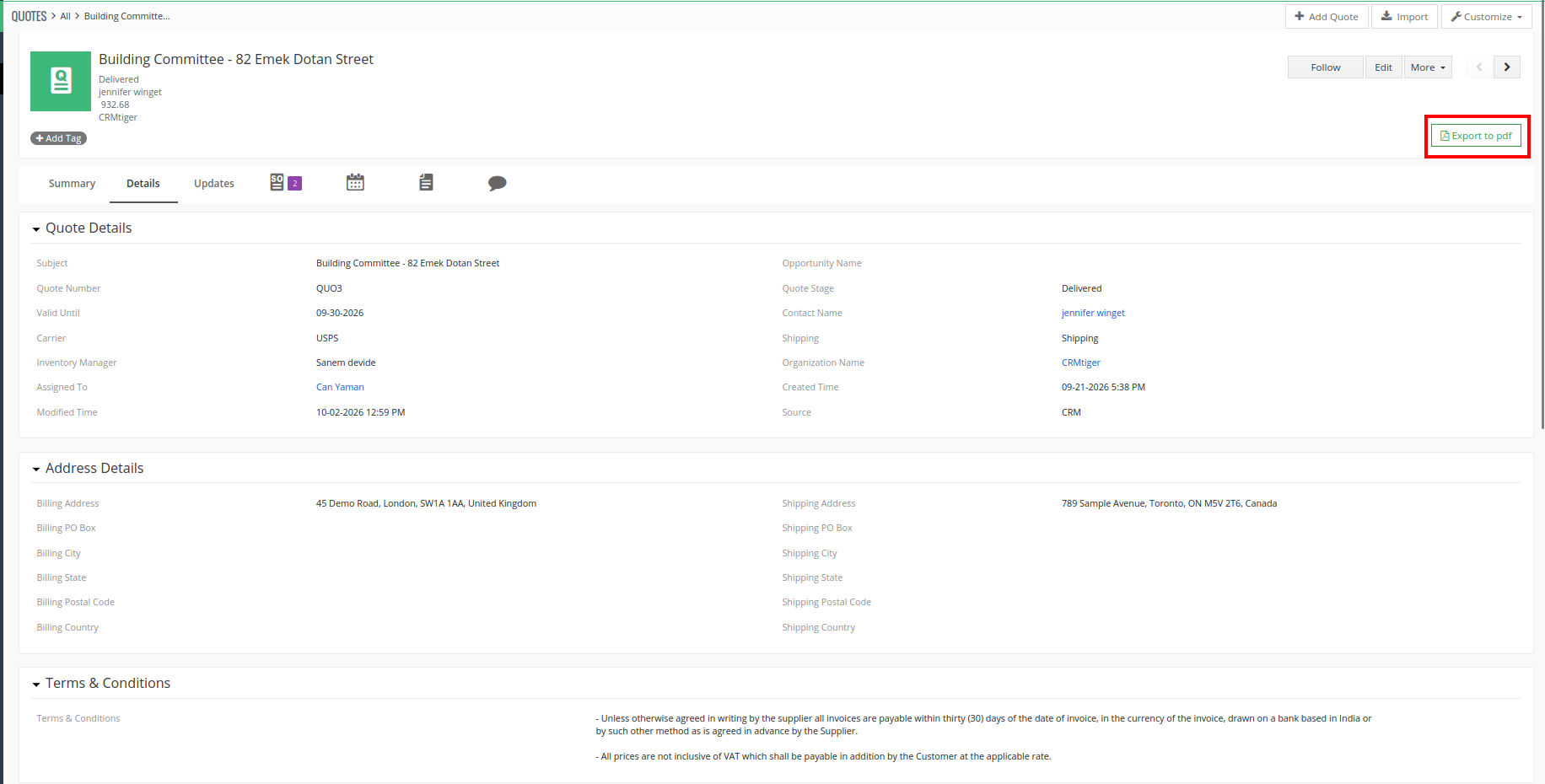
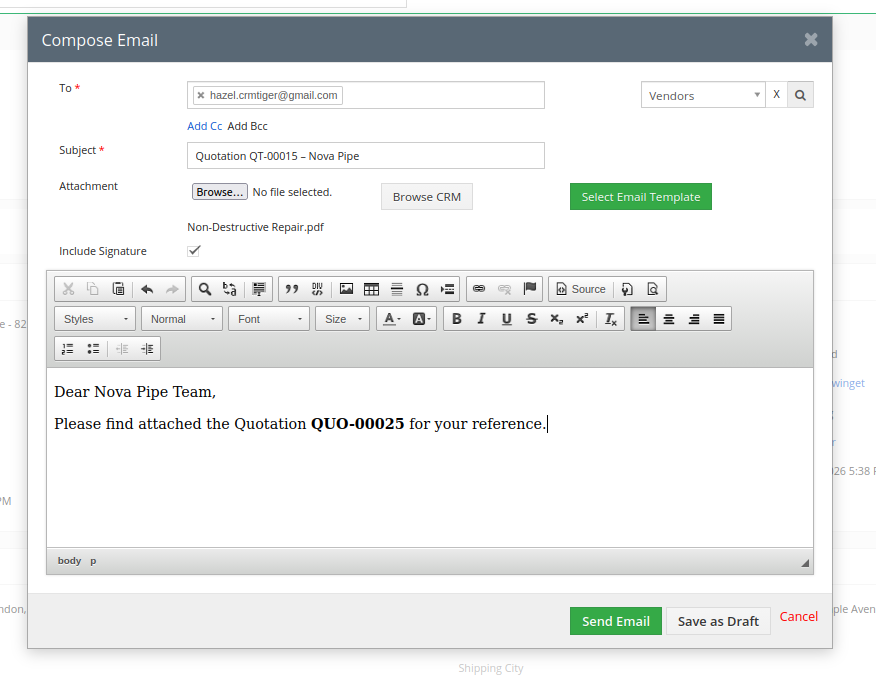
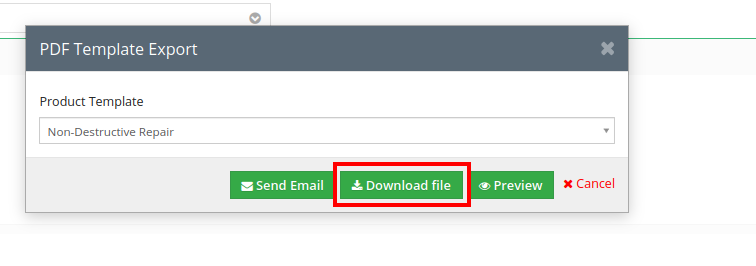
Once a template is saved, users can open a record from the selected module and generate a PDF with a single click. PDFs can also be previewed, downloaded, or attached directly to emails.
Key Features
Custom PDF Layouts
Create professional PDF documents using a rich-text editor with separate Header, Body, and Footer sections.
Module Fields as Variables
Insert fields from the selected CRM module, such as Quotes, Invoices, Sales Orders, and more. When the PDF is generated, each variable is automatically replaced with the corresponding record value.
Related Module Fields
Display information from modules related to the current record, including Contacts, Organizations, Sales Orders, Opportunities, and other supported modules.
Product Block Support
Create product and line-item tables for inventory modules. Include product images, individual product fields, group or individual taxes, and other product details.
General Fields
Add system-generated values such as Current Date, Current Time, CRM Detail View URL, Site URL, and other general information.
LTR / RTL PDF Support
Generate PDFs in both Left-to-Right (LTR) and Right-to-Left (RTL) directions, making the extension suitable for languages such as Arabic and Hebrew.
Preview, Download & Email
Preview your PDF while designing the template, then generate it directly from a CRM record. PDFs can be downloaded or attached to emails for easy sharing with customers and teams.


Reviews
There are no reviews yet.